Features
Features

A quick overview of the major features of the plugin are listed below, if you want an indepth explanation of a feature, please visit the Customise Dialogue tab.
Text Speed
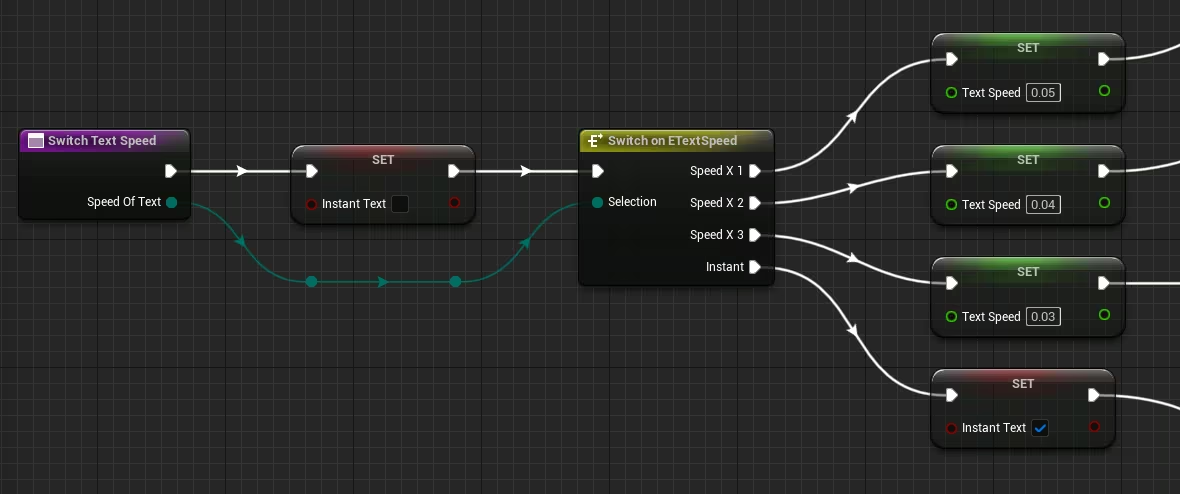
Text Speed affect the duration characters of the text dialogue that is displayed in the box dialogue.
You can add this configuration to your game setting for example, and it will be applied via game instance.
Text Auto
Text dialogue on auto will go to next dialogue after all current text are displayed in the box.
A small label auto 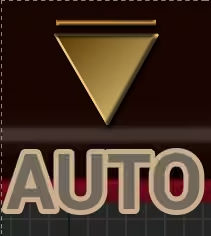 should appear in the dialogue box on the right bottom side.
If it contains Audio & Animation, it will wait for the audio voice/sound to complete before moving to next dialogue.
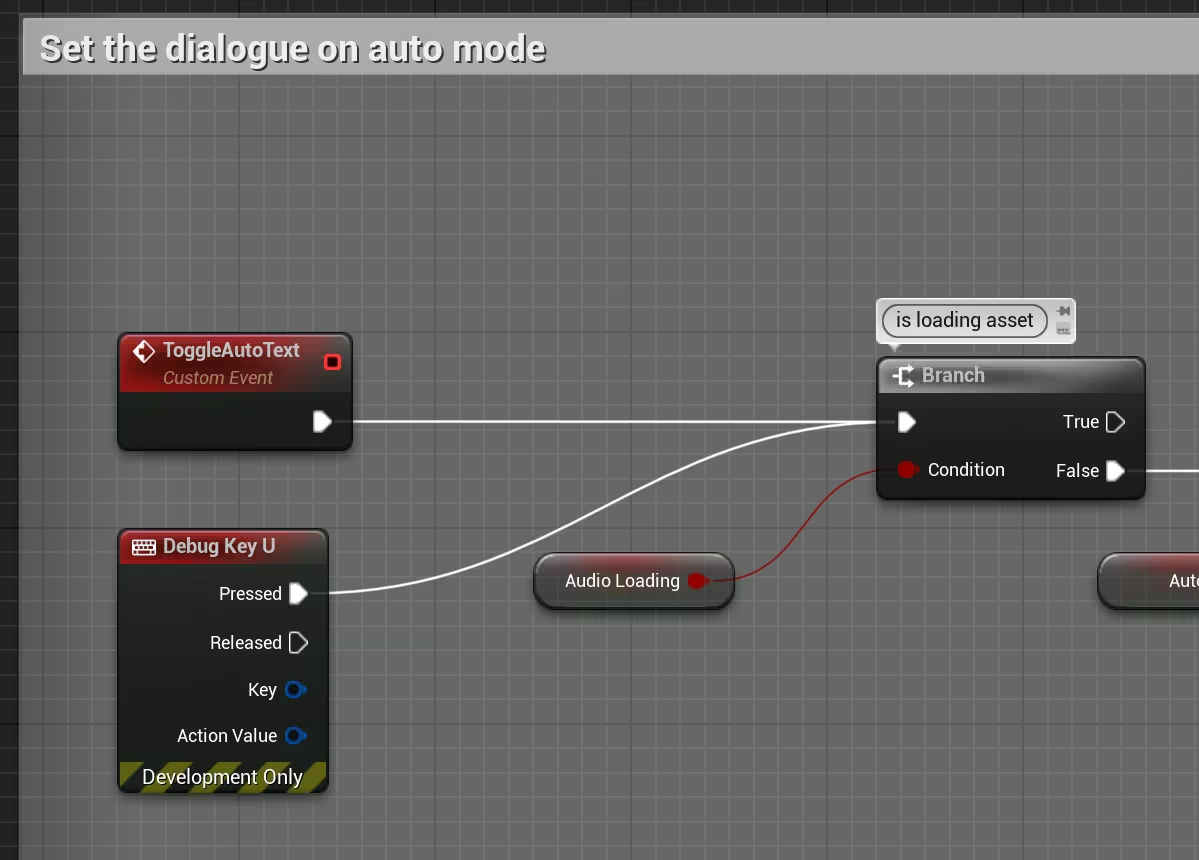
Simply call the event ToogleAutoText to activate or desactivate the auto mode via a button or shortcut keyboard key.
Play text with Animation & Audio
Dialogue text can be played alongside the animation and audio of the speaker(npc or main character).

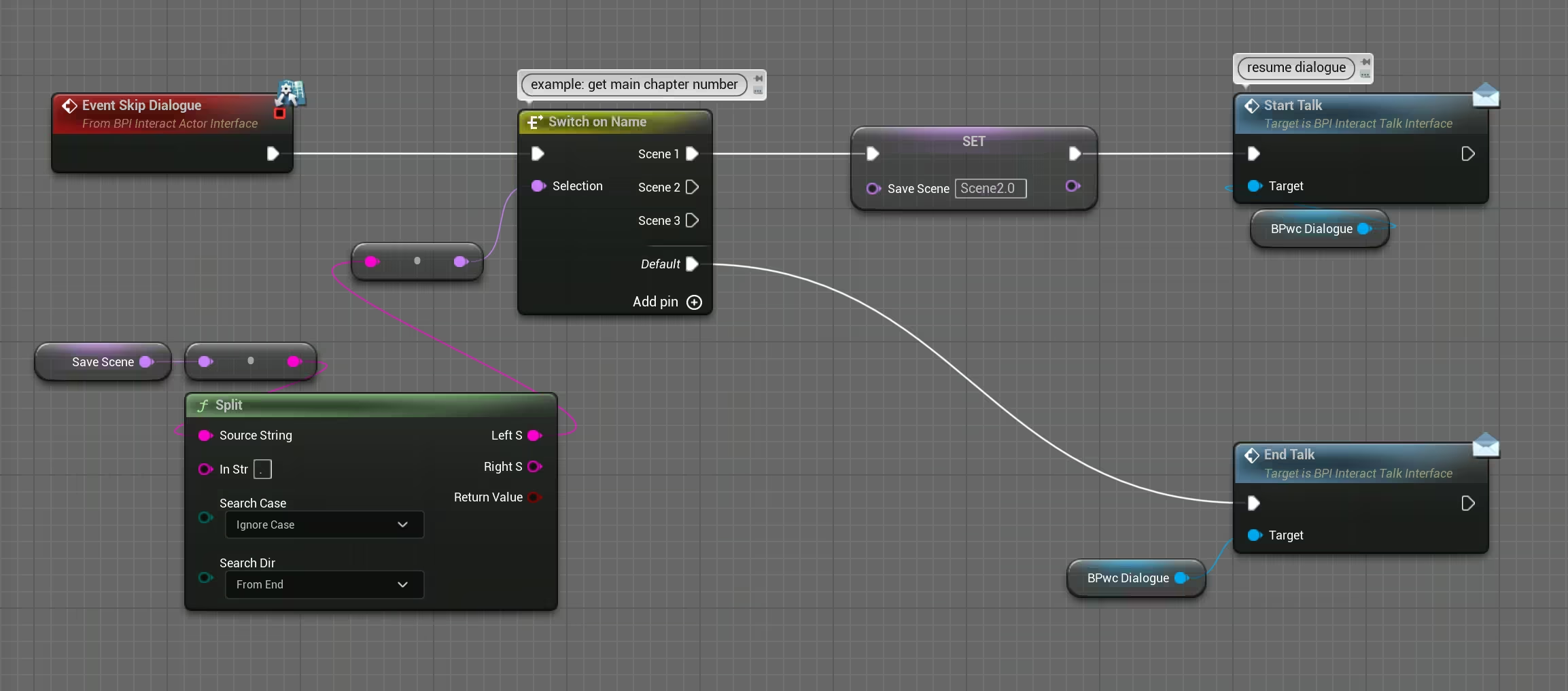
Dialogue Skip
Any dialogue scene can be skipped and the assigned event scene will be played (setup from their bp npc).
Text Options/Choice
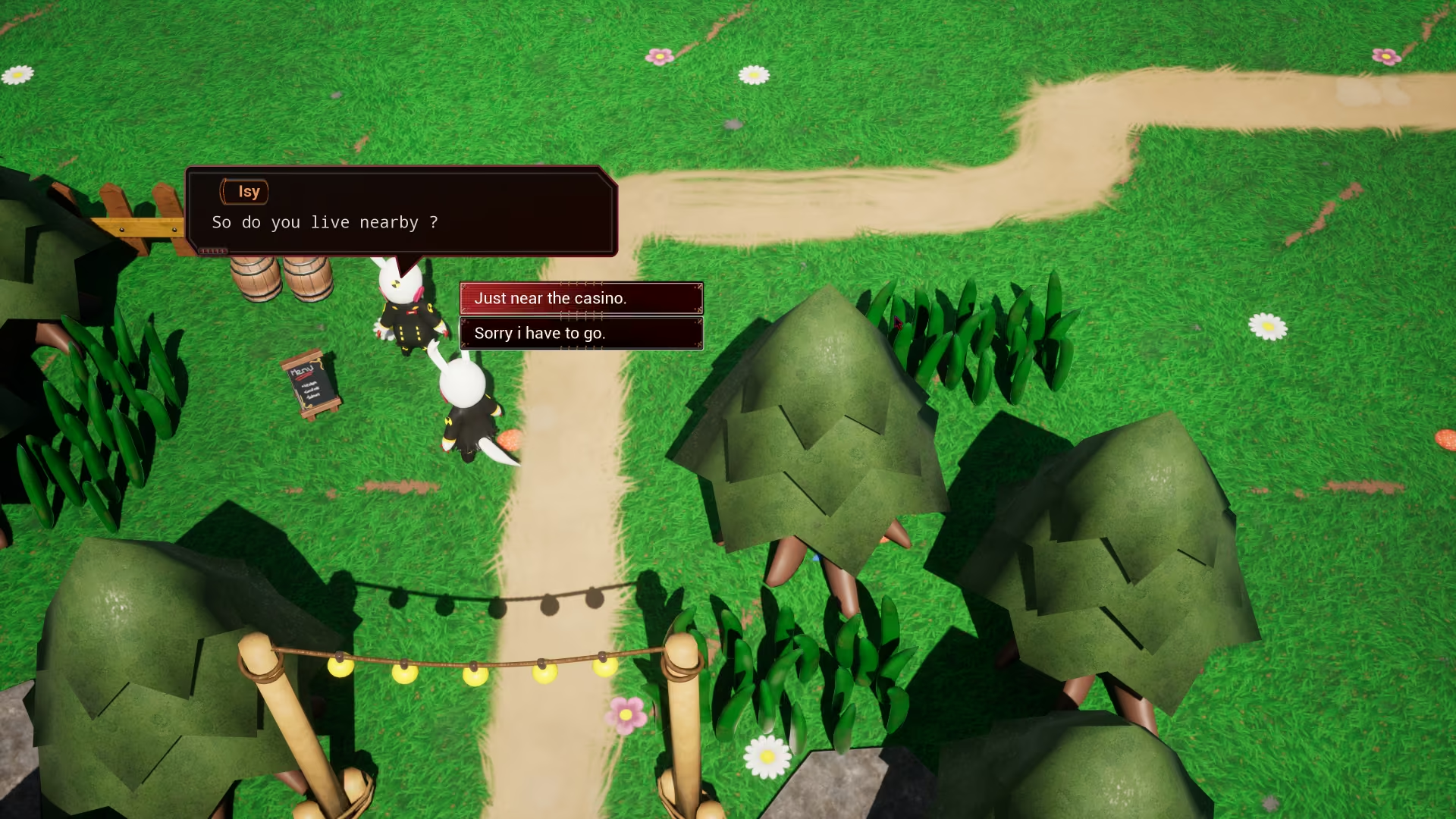
User can create Option for player to select during a dialogue.

RichText
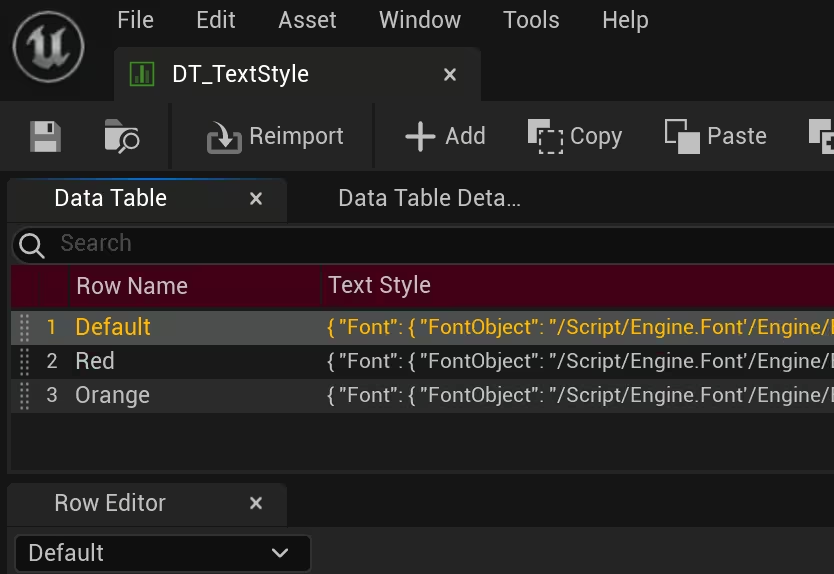
User can add their own icon or text decoration(colours, font etc...) in the dialogue box using tag.